Installing new applications can enhance productivity, entertainment, or connectivity, yet the process carries inherent security risks if not approached with caution. Every download decision impacts your device's integrity and your personal data privacy. Unsafe downloads are a primary vector for malware, data theft, and system instability, often disguised as legitimate software or offered through unofficial channels. Understanding how to identify and utilize secure installation methods is not merely a best practice; it is a fundamental requirement for maintaining digital security. This guide outlines the essential steps and considerations for installing apps safely, ensuring both functionality and protection.
Understanding the Risks of Unsafe Downloads
The digital landscape is rife with threats, and installing applications from unverified sources amplifies these risks significantly. Each download introduces new code to your system, and without proper vetting, this code can harbor malicious intent.
Malware and Viruses
Unsafe downloads are a leading cause of malware infections. This includes viruses, ransomware, spyware, and adware. Such malicious software can corrupt files, encrypt data for ransom, steal sensitive information like banking credentials, or flood your device with unwanted advertisements. The risk extends beyond immediate damage, potentially creating backdoors for future attacks.
Data Breaches and Privacy Concerns
Many seemingly benign applications from unofficial sources are designed to collect user data without explicit consent. This can range from browsing habits and location data to contact lists and personal photos. This harvested information is often sold to third parties or used for targeted phishing campaigns, leading to significant privacy breaches and potential identity theft.
System Instability and Performance Issues
Beyond direct malicious intent, poorly coded or incompatible applications from unverified sources can introduce system instability. This manifests as frequent crashes, slow performance, excessive resource consumption, or conflicts with legitimate software. Such issues degrade the user experience and can necessitate costly repairs or system reinstallation.
Official Channels: Your Primary Defense
The most reliable method for safe app installation involves utilizing official distribution channels. These platforms implement rigorous security protocols and vetting processes to minimize risk.
App Stores (iOS, Android, Windows, macOS)
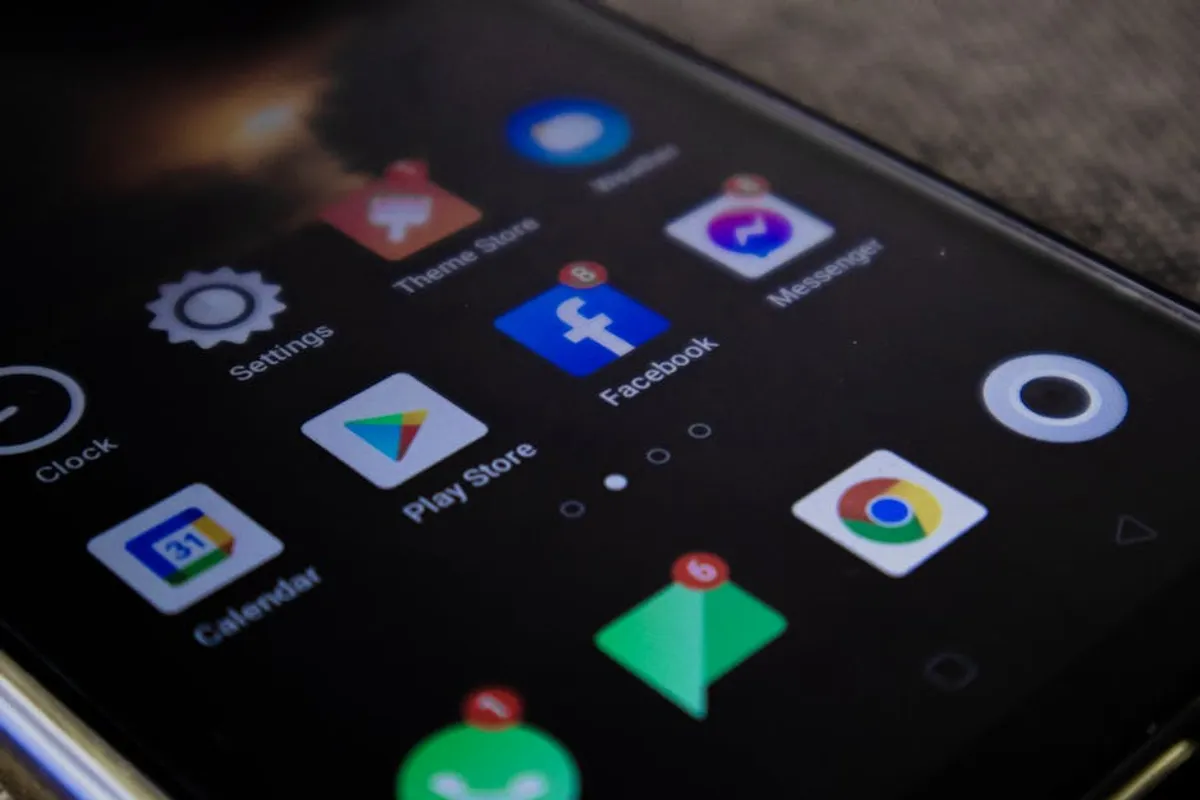
Dedicated app stores, such as Apple's App Store, Google Play Store, Microsoft Store, and the Mac App Store, serve as curated marketplaces. They offer a controlled environment where applications undergo a review process before publication. This review typically includes security scans for known malware, checks for adherence to privacy policies, and verification of developer identity. Apps from these stores benefit from automatic updates, ensuring you receive security patches and feature improvements promptly.
- Vetting Process: Apps are screened for malicious code and compliance with platform guidelines.
- Automatic Updates: Ensures access to the latest security fixes and features.
- Developer Verification: Establishes a degree of accountability for app creators.
Developer Websites
Direct downloads from the official website of a reputable software developer are another secure option. This method ensures you receive the authentic version of the software, free from third-party modifications or bundled adware. Always verify the website's authenticity by checking the URL for misspellings or unusual domains, and look for HTTPS encryption in the address bar. Downloads from a developer's site often provide access to specific versions or beta programs not available in app stores.
Best for: Niche software, open-source projects, or applications not distributed through mainstream app stores.
Verifying App Authenticity and Integrity
Even when downloading from seemingly official sources, an additional layer of verification can prevent sophisticated supply chain attacks or accidental downloads of compromised files.
Digital Signatures and Certificates
Many legitimate software packages are digitally signed by their developers. This signature acts as a tamper-evident seal, verifying the software's origin and confirming it hasn't been altered since it was signed. On Windows, you can typically check a file's digital signature through its Properties dialog. On macOS, Gatekeeper verifies developer IDs. Always look for a valid, recognized certificate issuer. An unsigned application or one with an invalid signature should raise an immediate red flag.
Hash Verification (Checksums)
For critical software or open-source projects, developers often provide a cryptographic hash (checksum) for their download files (e.g., MD5, SHA-256). After downloading, you can use a utility to compute the hash of your downloaded file and compare it against the developer's published hash. If the hashes match, it confirms the file's integrity and authenticity, ensuring no unauthorized modifications occurred during download or storage.
Useful for: Verifying large files, operating system ISOs, or software from less centralized distribution points.
Best Practices for Secure Installation
Beyond source verification, several practices enhance security during and after installation.
Permissions Review
During installation, applications often request specific permissions (e.g., access to your camera, microphone, contacts, location, or storage). Carefully review these requests. An app designed for note-taking, for instance, has no legitimate reason to access your microphone or location. Deny any permissions that seem excessive or unrelated to the app's core functionality. You can often adjust these permissions later in your device's settings.
Read Reviews and Research
Before installing any app, especially those from less familiar developers, take a moment to read user reviews and conduct a quick online search. Look for consistent negative feedback, reports of suspicious behavior, or privacy concerns. Reputable tech review sites or security blogs can offer insights into an app's safety record and developer practices.
Warning: Avoid downloading apps from torrent sites, file-sharing networks, or unsolicited email attachments. These are notorious vectors for malware and often contain pirated software bundled with malicious payloads. Prioritize official channels to mitigate these significant risks.
Keep Your System Updated
Ensure your operating system, web browser, and antivirus software are always up to date. These updates frequently include critical security patches that protect against newly discovered vulnerabilities. Running outdated software leaves your system exposed, making it easier for malicious apps to exploit weaknesses.
Sandbox Environments
For advanced users or those needing to test potentially risky software, consider using a sandbox environment or a virtual machine. A sandbox isolates the application from your main operating system, preventing any malicious code from affecting your primary system files or data. This provides a safe space to evaluate an app's behavior before committing to a full installation.
Navigating Third-Party Stores and Unofficial Sources (with caution)
While official app stores and developer websites are preferred, some legitimate applications are only available through reputable third-party stores or direct downloads from trusted communities. Proceed with extreme caution here.
If you must use a third-party store, ensure it has a strong reputation for security and a clear vetting process. Research the store itself, check its history, and read reviews. Always scan any downloaded files with robust antivirus software before installation. Understand that using these sources inherently increases risk compared to official channels.
Proactive Measures After Installation
Installation is not the final step in security. Ongoing vigilance is crucial.
- Regular Security Scans: Periodically run full system scans with reputable antivirus and anti-malware software.
- Monitor System Behavior: Watch for unusual activities like unexpected pop-ups, slow performance, excessive data usage, or new applications appearing without your consent.
- Strong Password Practices: If the app requires an account, use a unique, strong password and enable two-factor authentication where available.
- Uninstall Unused Apps: Remove applications you no longer use. This reduces your attack surface and frees up system resources.
Actionable Steps for Safer App Installation
Prioritizing security during app installation protects your data, device, and peace of mind. Always begin by seeking applications from official app stores or the developer's verified website. Scrutinize permissions requests, read reviews, and verify digital signatures or checksums where applicable. Maintain up-to-date operating systems and security software to patch vulnerabilities. By adopting these practices, you significantly reduce the risk of encountering malware, privacy breaches, and system instability, ensuring a more secure digital experience.
Frequently Asked Questions
Are free apps inherently less safe than paid apps?
Not necessarily. The safety of an app depends more on its source and the developer's practices than its price. Many free apps from official app stores are perfectly safe and well-vetted. However, free apps from unofficial sources or those that seem too good to be true often bundle unwanted software or contain malicious code.
What should I do if I suspect I've downloaded a risky app?
Immediately disconnect your device from the internet to prevent further data transmission or network spread. Uninstall the suspicious app, then run a full system scan with updated antivirus and anti-malware software. Change critical passwords if you suspect data compromise and monitor your accounts for unusual activity.
Can antivirus software protect me from all risky downloads?
Antivirus software is a critical layer of defense, detecting and removing known threats. However, it is not foolproof against zero-day exploits (new, unknown vulnerabilities) or highly sophisticated malware. Combining antivirus with secure download practices, permission reviews, and system updates offers the most comprehensive protection.
What if an app I need isn't available in official app stores?
If an app is not in official stores, exercise extreme caution. First, verify the developer's official website for direct download options. If relying on a third-party source, research its reputation thoroughly and scan the downloaded file extensively with antivirus software before installation. Consider using a sandbox environment to test the app's behavior before full integration into your system.